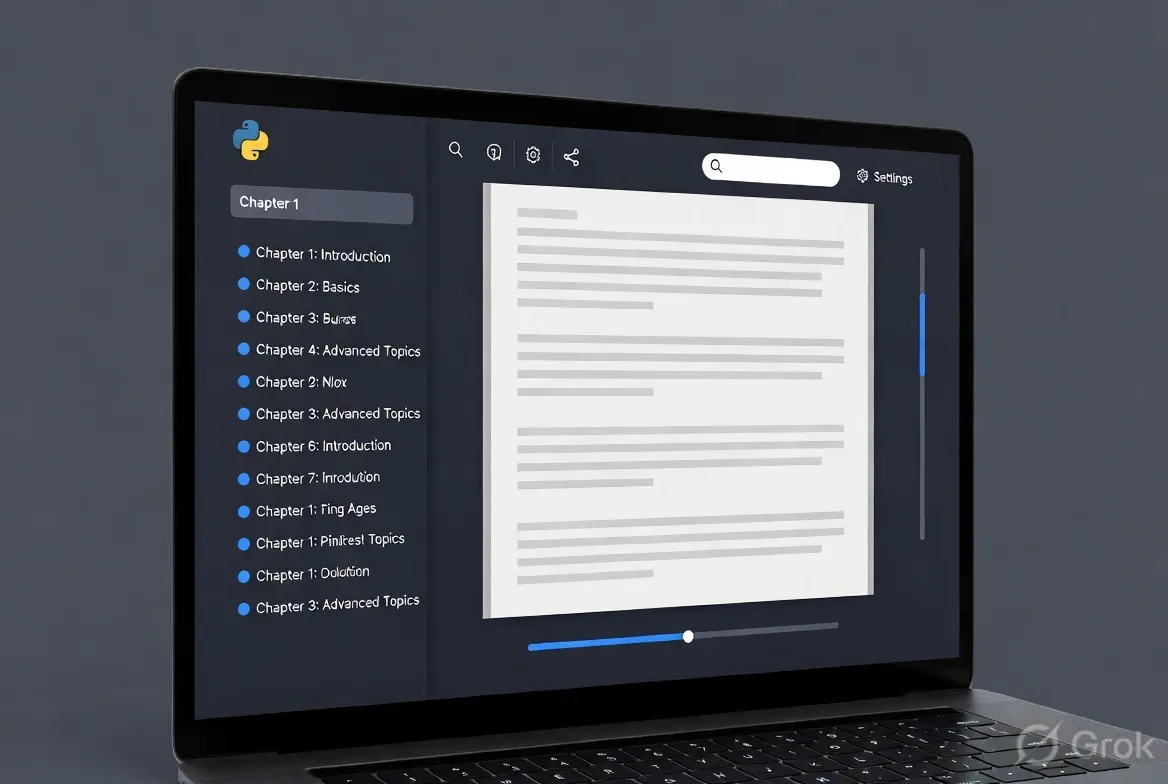
Developing an ebook reader in Python is an excellent project that combines file handling, GUI development, text rendering, and user experience design. Whether you’re building a simple desktop tool for personal use or a more robust application, Python offers powerful libraries to make the process efficient. This comprehensive guide walks you through the entire development process, from setup to advanced features, while addressing common challenges and providing practical solutions. By the end, you’ll have the knowledge to create a functional ebook reader supporting popular formats like EPUB and PDF.
Why Build Your Own Ebook Reader?
Commercial ebook readers like Kindle or Apple Books are feature-rich, but building your own allows customization, offline access, privacy control, and learning opportunities. Python’s ecosystem makes it accessible for beginners while scalable for advanced users. Expected outcomes include support for multiple formats, customizable themes, bookmarks, search functionality, and text-to-speech.
This guide targets intermediate Python developers but includes explanations for newcomers. The complete project can be built in 1-2 weeks of dedicated effort.
Prerequisites
Before starting, ensure you have:
- Python 3.8 or higher installed.
- Basic knowledge of OOP, file I/O, and GUI frameworks.
- Familiarity with virtual environments (venv).
- Optional: Git for version control.
Install core dependencies early:
python -m venv ebook_reader_env
source ebook_reader_env/bin/activate  # On Windows: ebook_reader_env\Scripts\activate
pip install ebooklib beautifulsoup4 PyMuPDF pillow tkinter ttkthemes pyttsx3
For advanced UI, consider PyQt6 instead of Tkinter.
Step 1: Project Structure
Organize your project for maintainability:
text
ebook_reader/
├── main.py
├── gui/
│   ├── window.py
│   ├── reader_view.py
├── parsers/
│   ├── epub_parser.py
│   ├── pdf_parser.py
├── models/
│   ├── book.py
│   ├── library.py
├── utils/
│   ├── config.py
│   ├── themes.py
├── assets/
│   ├── icons/
├── data/
│   └── library.json
├── requirements.txt
└── README.md
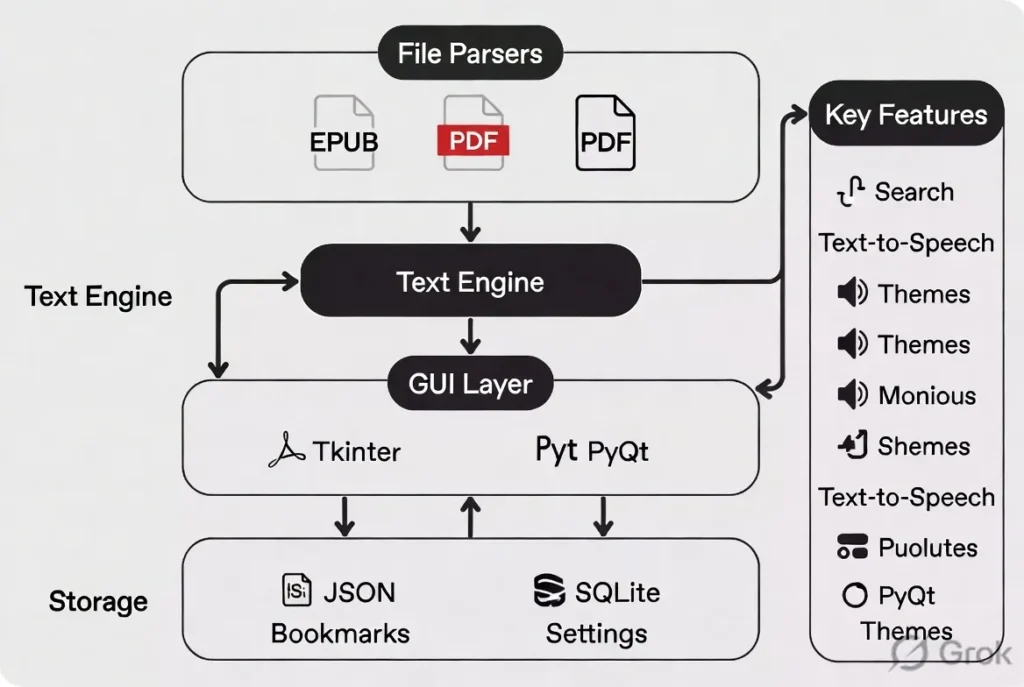
This modular structure separates concerns effectively.
Step 2: Handling Ebook Formats
The core of any ebook reader is parsing different file formats.
EPUB Support
EPUB is essentially a ZIP archive with XHTML content. Use ebooklib and BeautifulSoup:
from ebooklib import epub
from bs4 import BeautifulSoup

def load_epub(file_path):
    book = epub.read_epub(file_path)
    chapters = []
    for item in book.get_items():
        if item.get_type() == ebooklib.ITEM_DOCUMENT:
            soup = BeautifulSoup(item.get_content(), 'html.parser')
            text = soup.get_text()
            chapters.append({
                'title': item.get_name(),
                'content': text
            })
    return book, chapters
PDF Support
Use PyMuPDF (fitz) for efficient PDF rendering:
import fitz  # PyMuPDF

def load_pdf(file_path):
    doc = fitz.open(file_path)
    pages = []
    for page_num in range(len(doc)):
        page = doc.load_page(page_num)
        text = page.get_text("text")
        pix = page.get_pixmap()
        pages.append({
            'number': page_num + 1,
            'text': text,
            'image': pix.tobytes()  # For image-based rendering
        })
    return doc, pages
Supporting both formats requires an abstract Book class with format-specific implementations.
Step 3: Building the Graphical User Interface
Tkinter is sufficient for a basic reader, but PyQt6 offers better typography and performance.
Basic Tkinter Setup
import tkinter as tk
from tkinter import ttk, filedialog

class EbookReader:
    def __init__(self, root):
        self.root = root
        self.root.title("PyEbook Reader")
        self.root.geometry("1200x800")

        # Toolbar
        self.toolbar = ttk.Frame(root)
        self.toolbar.pack(fill=tk.X)

        ttk.Button(self.toolbar, text="Open Book", command=self.open_book).pack(side=tk.LEFT)

        # Main content area
        self.text_area = tk.Text(root, wrap=tk.WORD, font=("Georgia", 14))
        self.text_area.pack(fill=tk.BOTH, expand=True)

        # Sidebar for table of contents
        self.sidebar = ttk.Frame(root, width=250)
        self.sidebar.pack(side=tk.LEFT, fill=tk.Y)
For better text rendering with images and styling, consider embedding HTML views using tkhtml or switching to PyQt’s QWebEngineView.
Step 4: Core Features Implementation
Navigation and Rendering
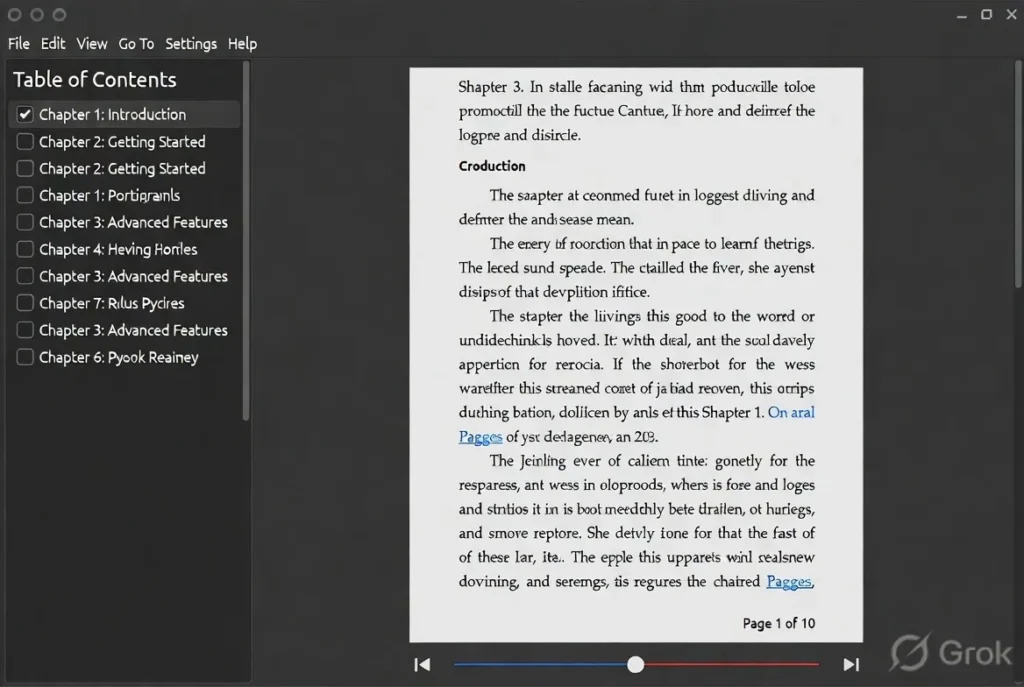
Implement chapter switching and page turning. For EPUB, maintain a list of extracted chapters and load content dynamically.
Bookmarks and Annotations
Use SQLite or JSON for persistence:
import json

def save_bookmark(book_path, position, note):
    data = load_library()
    data.setdefault(book_path, {})['bookmarks'] = {'pos': position, 'note': note}
    save_library(data)
Search Functionality
Implement full-text search across chapters using simple string matching or integrate whoosh for advanced indexing.
Text-to-Speech
import pyttsx3

engine = pyttsx3.init()
def read_aloud(text):
    engine.say(text)
    engine.runAndWait()
Themes and Customization
Support light/dark modes and font adjustments using configuration files.
Step 5: Advanced Features
- Library Management: Scan folders, store metadata (title, author, cover).
- Progress Tracking: Save last read position per book.
- Export Notes: Generate Markdown summaries of highlights.
- Cross-platform Packaging: Use PyInstaller or Nuitka for executables.
Common Issues While Developing and Solutions
- Text Encoding Problems Issue: Garbled characters in international ebooks. Solution: Always use UTF-8 and handle exceptions with chardet for detection.
- Performance with Large Books Issue: Loading entire EPUB into memory causes lag. Solution: Implement lazy loading — parse chapters on demand. Use pagination for PDFs.
- GUI Responsiveness Issue: Freezing during long operations. Solution: Use threading (threading module) or asyncio with Tkinter’s after method.
- Cross-Format Inconsistencies Issue: Different rendering for EPUB vs PDF. Solution: Create a unified Renderer interface with adapters for each format.
- Dependency Conflicts Issue: Version mismatches between ebooklib, lxml, and GUI libs. Solution: Pin versions in requirements.txt and test in clean virtual environments.
- Styling and Typography Issue: Poor text justification or font rendering. Solution: Use CSS-like styling in HTML views or custom fonts with Pillow for covers.
- File Security Issue: Malicious EPUBs with scripts. Solution: Sanitize HTML content and avoid executing embedded scripts.
Other challenges include handling DRM-protected books (legally complex — avoid) and optimizing for different screen sizes.
Download Python E-Books
Testing and Debugging
- Unit tests for parsers using pytest.
- Manual testing with free Project Gutenberg books.
- Profile performance with cProfile.
Aim for 90%+ test coverage on core parsing logic.
Deployment
Package with PyInstaller:
pyinstaller --onefile --windowed --icon=assets/icon.ico main.py
Quality FAQs
Q1: Which GUI framework is best for an ebook reader in Python? Tkinter is great for quick prototypes due to its simplicity and no external dependencies. For professional-looking apps with smooth scrolling and better typography, PyQt6 or customtkinter is recommended. Kivy works well if you plan mobile support.
Q2: Can I support Kindle (.azw) or other proprietary formats? Technically possible with reverse-engineered libraries, but not recommended due to legal issues around DRM. Stick to open formats like EPUB, PDF, and MOBI (using calibre’s tools if needed).
Q3: How do I handle images and tables in EPUB files? Extract images using ebooklib and embed them in a tkinter Canvas or use HTML rendering. Tables require parsing with BeautifulSoup and custom rendering logic.
Q4: Is it possible to make the reader work offline completely? Yes! All core functionality (parsing, rendering, saving progress) can run offline. Only optional features like downloading covers from online APIs need internet.
Q5: How can I add dictionary or translation features? Integrate libraries like PyDictionary or call external APIs (offline with enchant for spellcheck). For translation, use googletrans (with caution on API limits) or local models via transformers.
Q6: What are the biggest performance bottlenecks? Heavy PDF rendering and large EPUB extraction. Mitigate by converting content to simplified text views and using background threads.
Q7: How do I monetize or distribute my ebook reader? Open-source on GitHub for community contributions. For commercial use, add premium features like cloud sync (ethically) and distribute via app stores after packaging.
Conclusion
Building an ebook reader in Python is rewarding and teaches valuable skills in file parsing, GUI programming, and user-centric design. Start simple with EPUB support and Tkinter, then iteratively add features. Focus on reliability and user experience — readers value clean interfaces and fast navigation above all.
The challenges discussed, such as performance and format inconsistencies, are common but solvable with thoughtful architecture. Experiment, iterate, and share your project with the community.