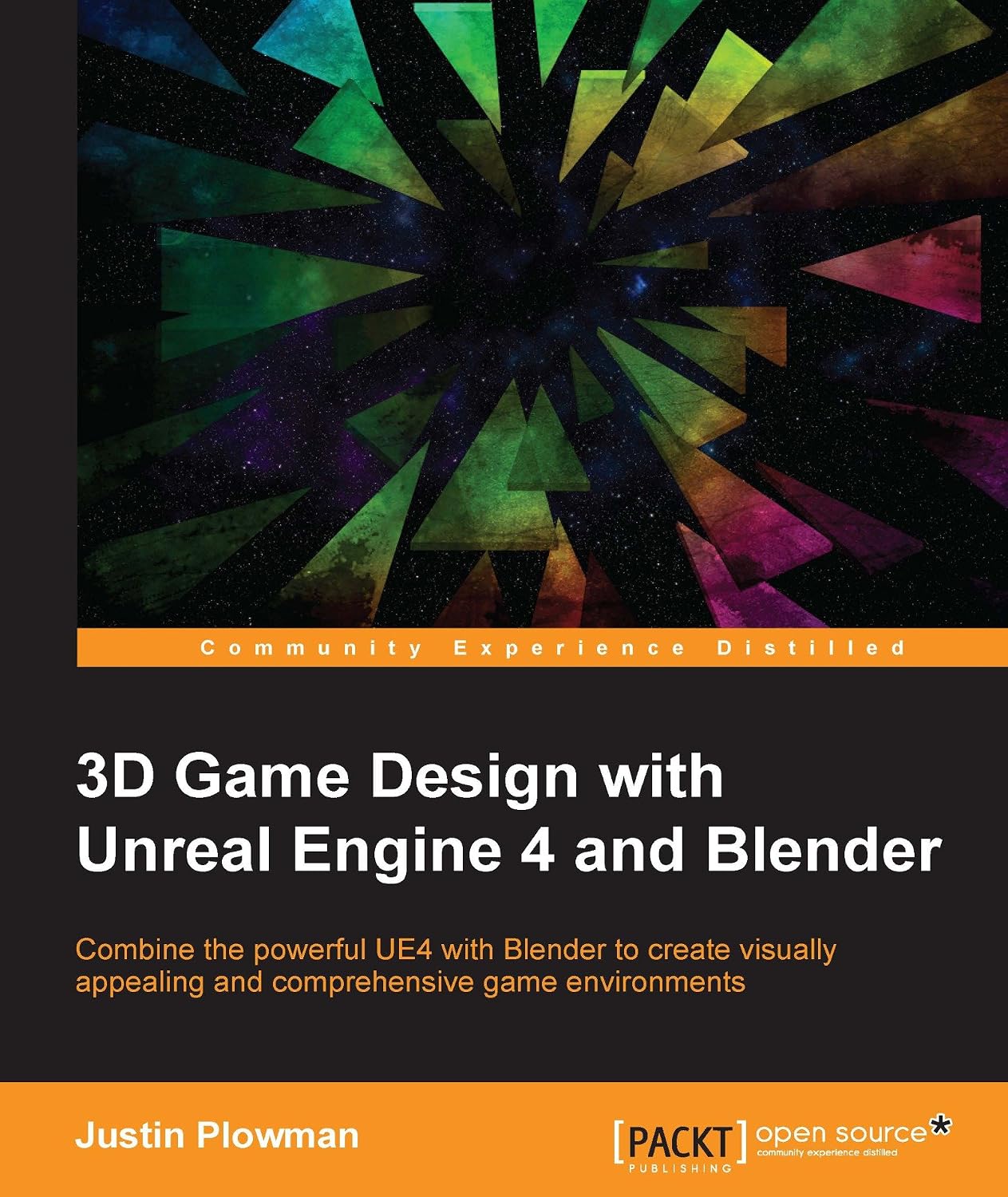
3D Game Design with Unreal Engine 4 and Blender” is a comprehensive guide that bridges the gap between 3D modeling and real-time game development. It walks readers through the complete pipeline of creating game-ready assets in Blender — from modeling and UV unwrapping to texturing and rigging — before importing them into Unreal Engine 4 to build interactive, playable environments. The book is designed for aspiring game developers, 3D artists, and hobbyists who want a practical, project-based understanding of how two of the industry’s most popular tools work together. By combining artistic asset creation with technical game engine implementation, readers gain the skills needed to design, optimize, and deploy their own 3D game worlds.
Table of Contents
Chapter 1: Introduction to 3D Game Design
- Understanding the Game Development Pipeline
- Overview of Blender and Unreal Engine 4
- Setting Up Your Development Environment
Chapter 2: Blender Fundamentals
- Navigating the Blender Interface
- Basic Modeling Tools and Techniques
- Working with Meshes, Edges, and Vertices
Chapter 3: Modeling Game Assets
- Creating Props and Environment Objects
- Hard-Surface Modeling Techniques
- Optimizing Geometry for Real-Time Rendering
Chapter 4: UV Unwrapping and Texturing
- UV Mapping Fundamentals
- Creating and Applying Textures
- Using PBR Materials for Realism
Chapter 5: Rigging and Animation Basics
- Introduction to Armatures and Bones
- Rigging Simple Characters and Objects
- Exporting Animations for Game Engines
Chapter 6: Getting Started with Unreal Engine 4
- UE4 Interface and Project Setup
- Importing Blender Assets into UE4
- Understanding the Content Browser
Chapter 7: Building Game Environments
- Level Design Basics
- Lighting and Atmosphere in UE4
- Adding Collision and Physics
Chapter 8: Materials and Shaders in UE4
- Creating Material Instances
- Using the Material Editor
- Enhancing Visual Fidelity
Chapter 9: Blueprints and Interactivity
- Introduction to Blueprint Visual Scripting
- Creating Interactive Objects
- Basic Player Controls and Triggers
Chapter 10: Optimization and Performance
- Reducing Poly Count and Draw Calls
- LOD (Level of Detail) Techniques
- Performance Profiling in UE4
Chapter 11: Packaging and Publishing Your Game
- Testing and Debugging
- Packaging for Different Platforms
- Final Deployment Tips
Chapter 12: Next Steps in Game Design
- Expanding Your Skill Set
- Resources for Continued Learning
- Building a Portfolio